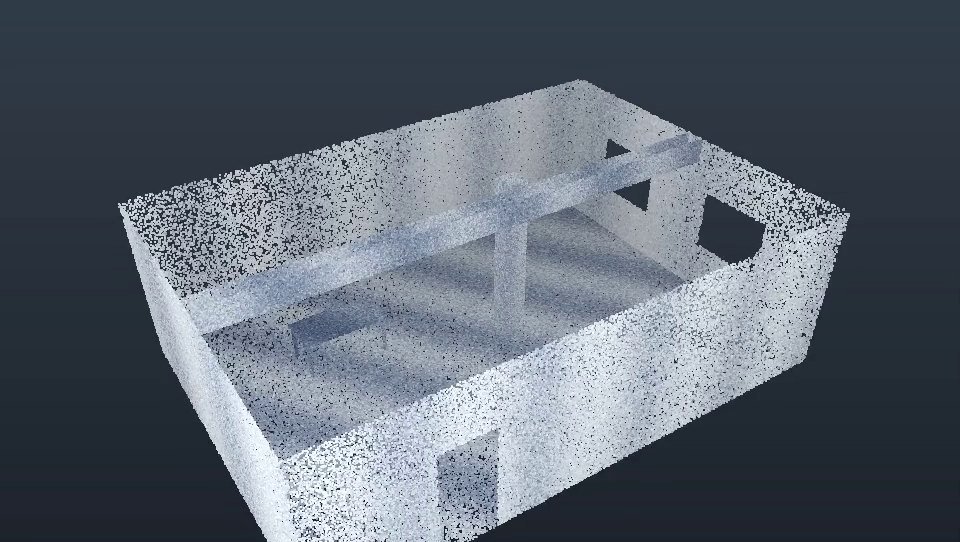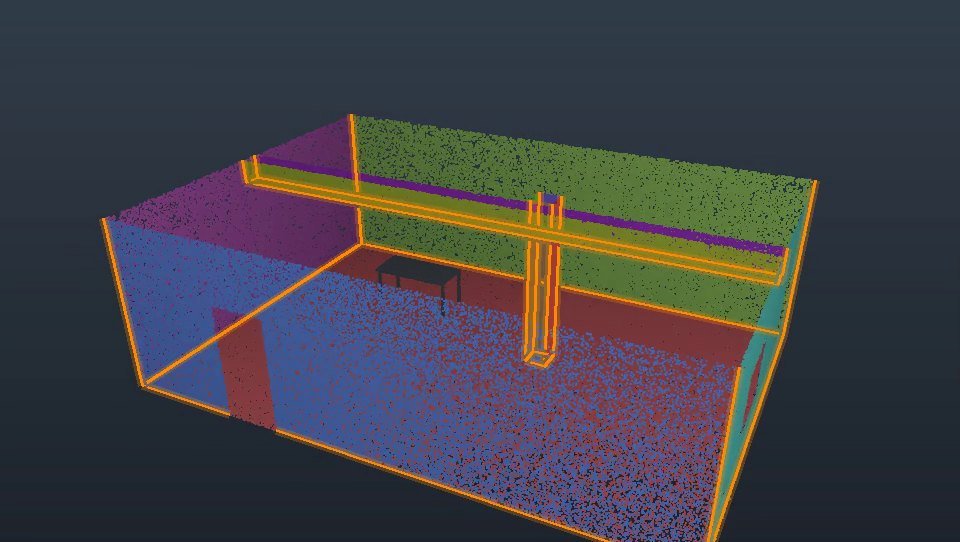
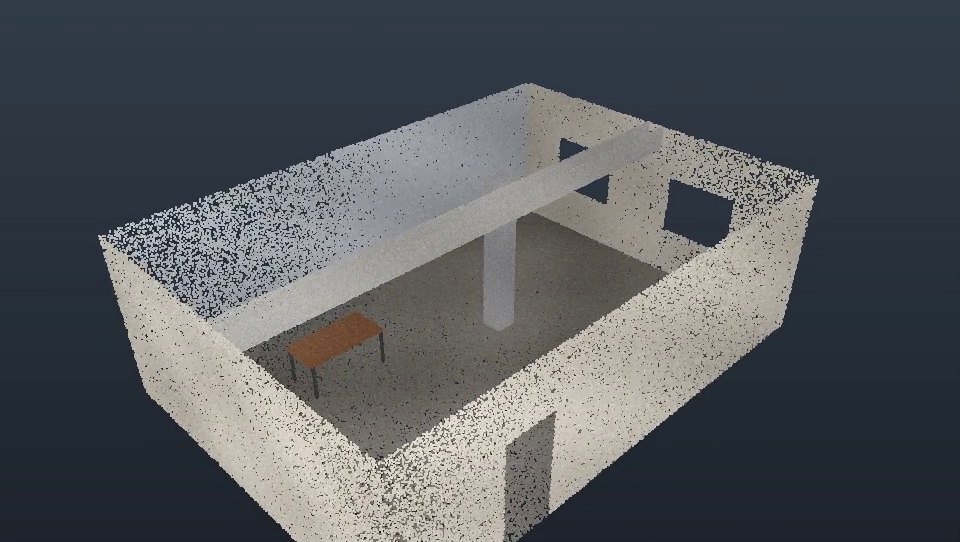
Open and colour your scan
Load E57, LAS, PTS or XYZ files with every point. Colour by scan RGB, intensity, elevation, classification or detected plane, and set point size and density from the ribbon.
Add-in for Autodesk Inventor 2027
Open E57 and LAS point clouds, clean out the noise, slice through the building, and let Point Cloud Pro find the walls, floors and edges for you. Then fit planes, offsets and 3D lines straight onto the scan and design your parts with confidence.
Full version for 14 days · No credit card · $499 perpetual licence
Features
Point Cloud Pro brings the tools you normally juggle between separate programs into one tab inside Inventor.
Build a coloured mesh: Flat surfaces turns walls and floors into perfectly flat faces with window and door openings kept; Freeform wraps any shape. Save as OBJ or STL, or bring it into the part.
See it in action
Loading, colouring, live slicing, plane detection, edges and fitting a plane – the whole workflow in under a minute.
Workflow
Measure once with the scanner, then design panels, brackets and sheet-metal parts against the real building – not a tape-measure sketch.
Export E57 from ReCap or your scanner software and open it on the Point Cloud Pro tab.
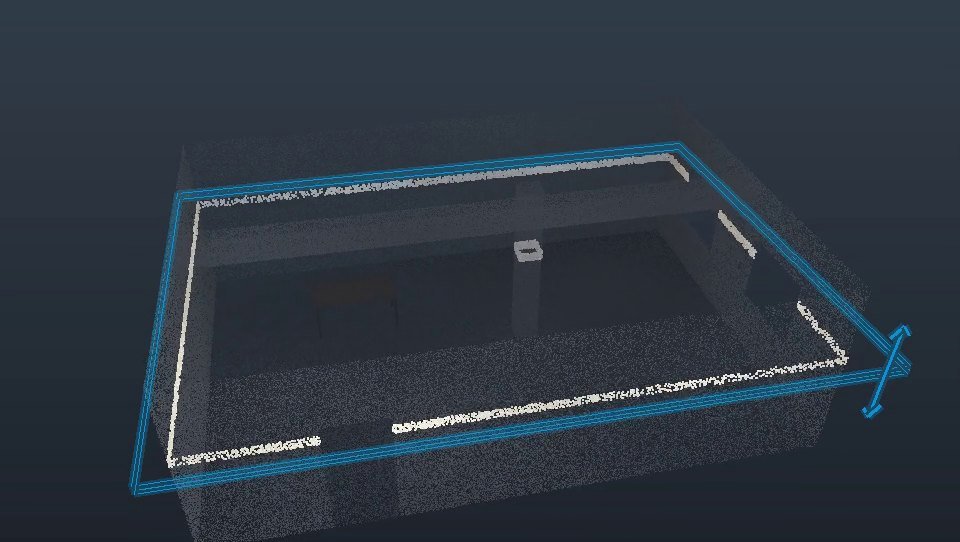
Remove noise, flatten grain, and clip or slice down to the elevation you’re working on.
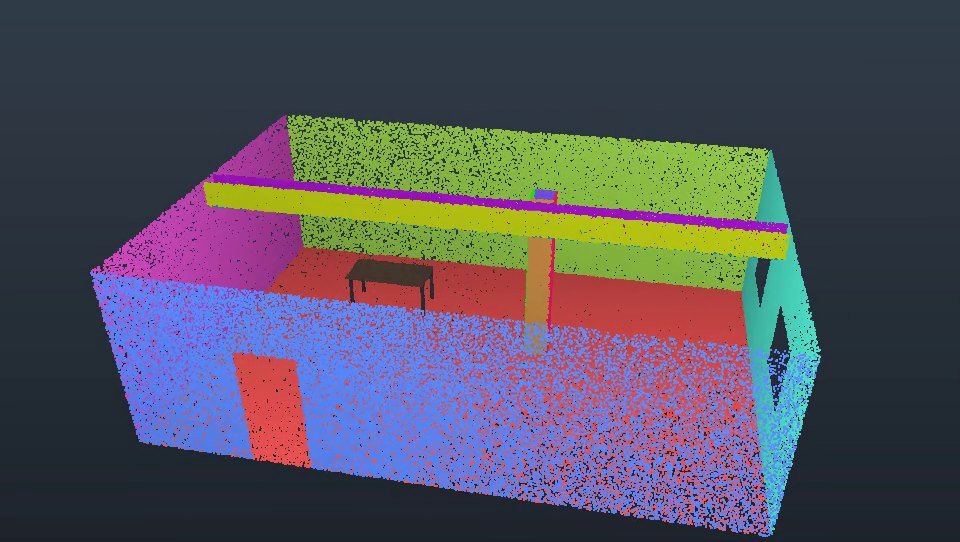
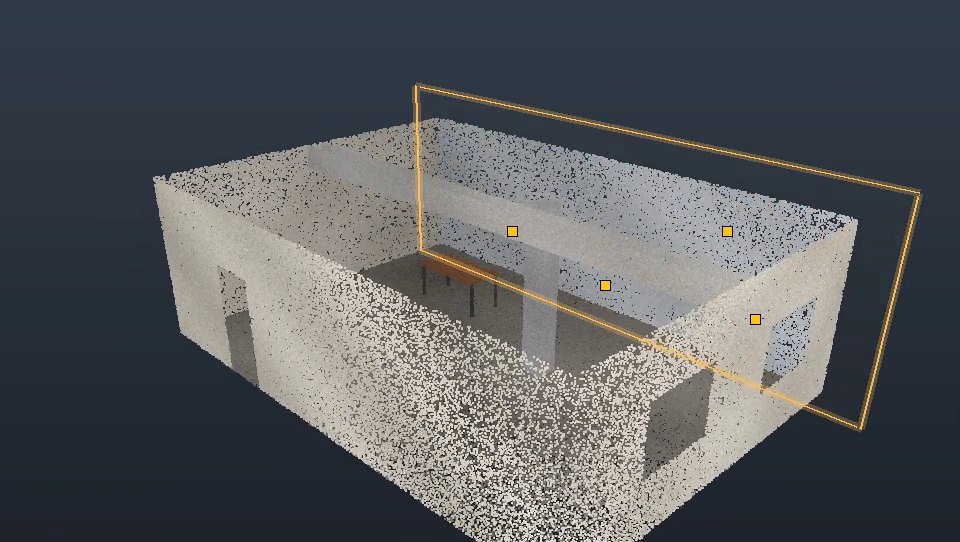
Detect the wall planes and edges, or fit planes yourself, and add offsets for your build-up.
Sketch and build your sheet-metal panels and parts on real work planes and edges.
Pricing
No subscription. Pay once and keep using Point Cloud Pro on your computer.
14days, free
Best value
$499one-time, per seat
Prices exclude applicable taxes.
Point Cloud Pro is built for Autodesk Inventor 2027 on 64-bit Windows 10 and 11. It adds its own Point Cloud Pro tab to the ribbon in parts and assemblies.
E57, LAS, PTS, XYZ, TXT and CSV. For ReCap projects (.rcp / .rcs), use Export → E57 in ReCap and open that file.
No. Cleaning works on the points loaded in Inventor – your file on disk is never changed. Noise is shown in red before anything is removed, and every clean-up step can be undone.
Install Point Cloud Pro and request a trial key. You get every feature for 14 days. When you’re ready, buy a perpetual licence and activate it on the same computer.
Each licence is for one computer. The activation window shows your Machine ID – send it to us and you receive a licence file to load. Activation works offline, and if you replace your computer we issue a new key.
No. Everything runs on your computer inside Inventor. Your scans and models never leave your machine.
Start your 14-day free trial today, or buy a perpetual licence for $499. Questions? Email sales@intergreen.ca.